
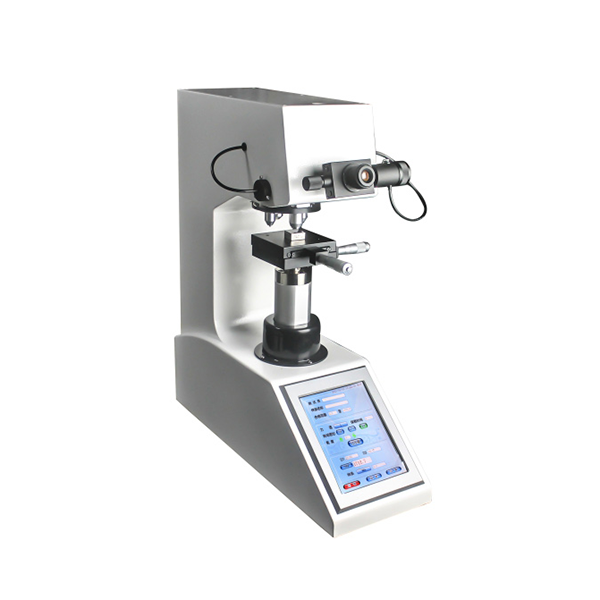
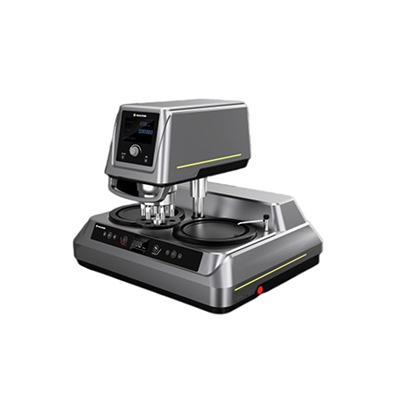
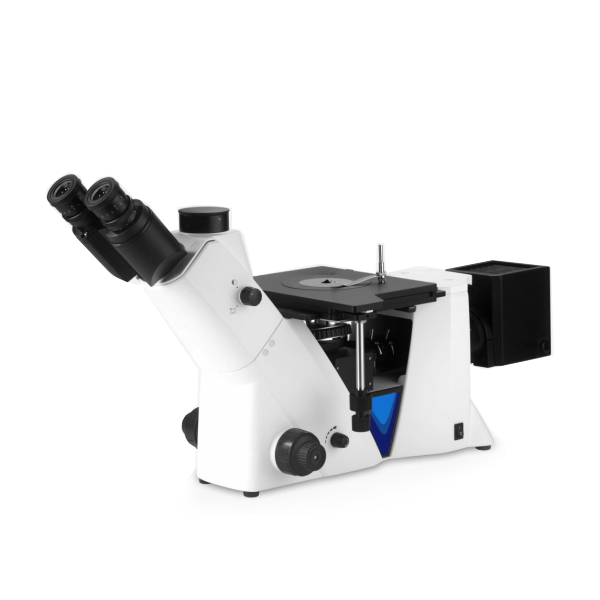
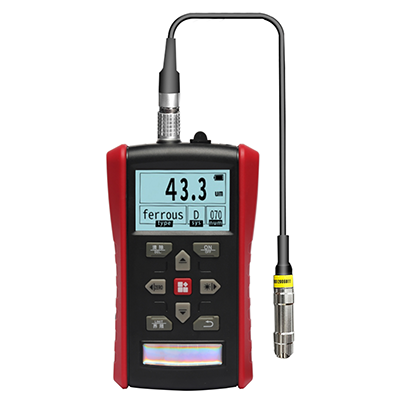


Main features:
To ensure safe operation and normal use of the digital Rockwell Hardness Tester, follow these steps to remove the battery:
First, turn off the Tester and disconnect it from the power supply.
Locate the battery cover on the back or side of the unit. Use a small screwdriver to loosen the fixing screw and open the cover gently. According to the polarity marks inside, take out the old battery slowly with a non-metallic tool to avoid short circuit. Do not touch the metal contacts directly.
Please check the battery model before replacement. Keep the device dry during operation. Do not pry the case forcefully to prevent damage to the shell and circuit. Proper handling ensures stable performance and long service life of the Hardness Tester.